

1
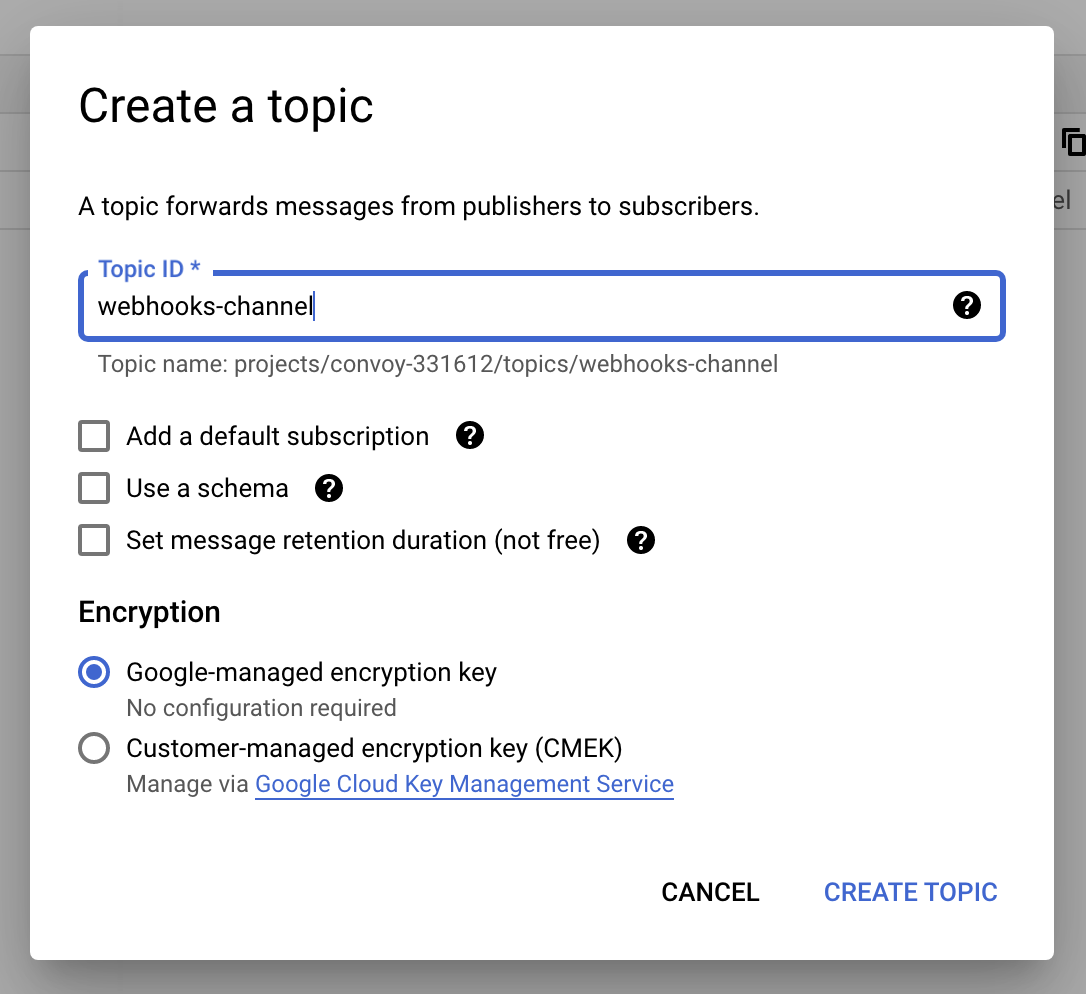
Create a PubSub Topic
2
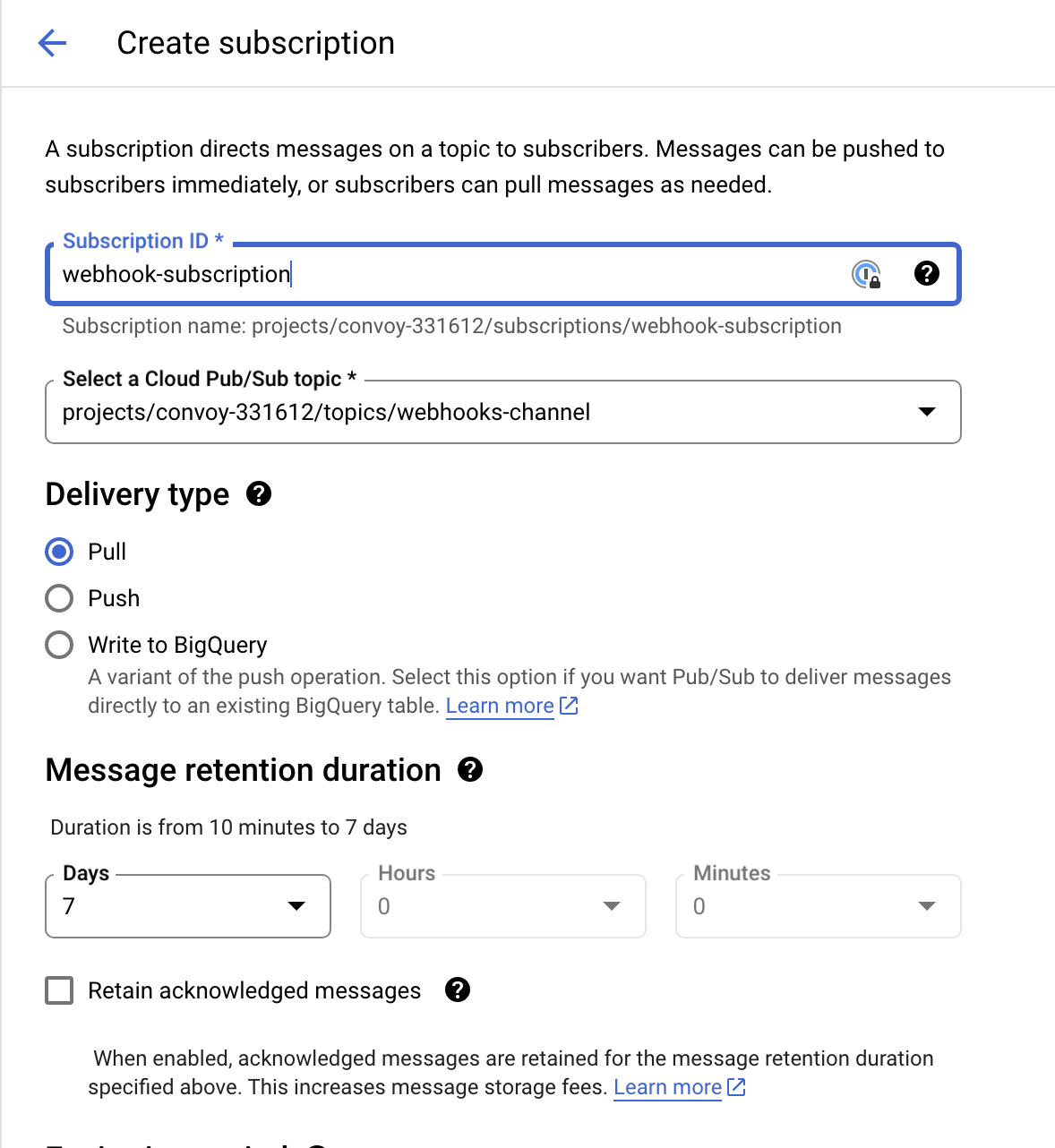
Create a Subscription
3
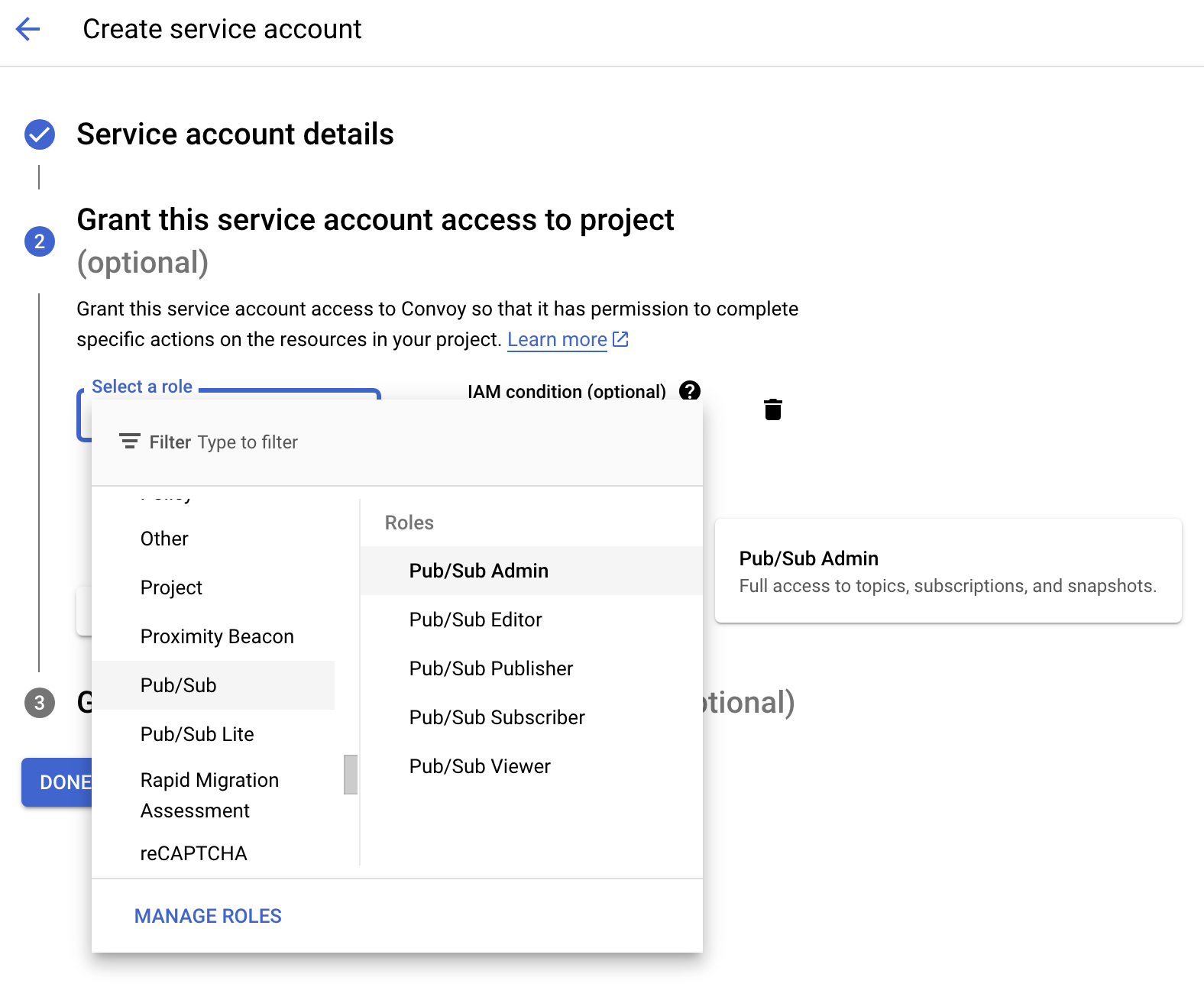
Create a Service Account with PubSub Admin Role
4
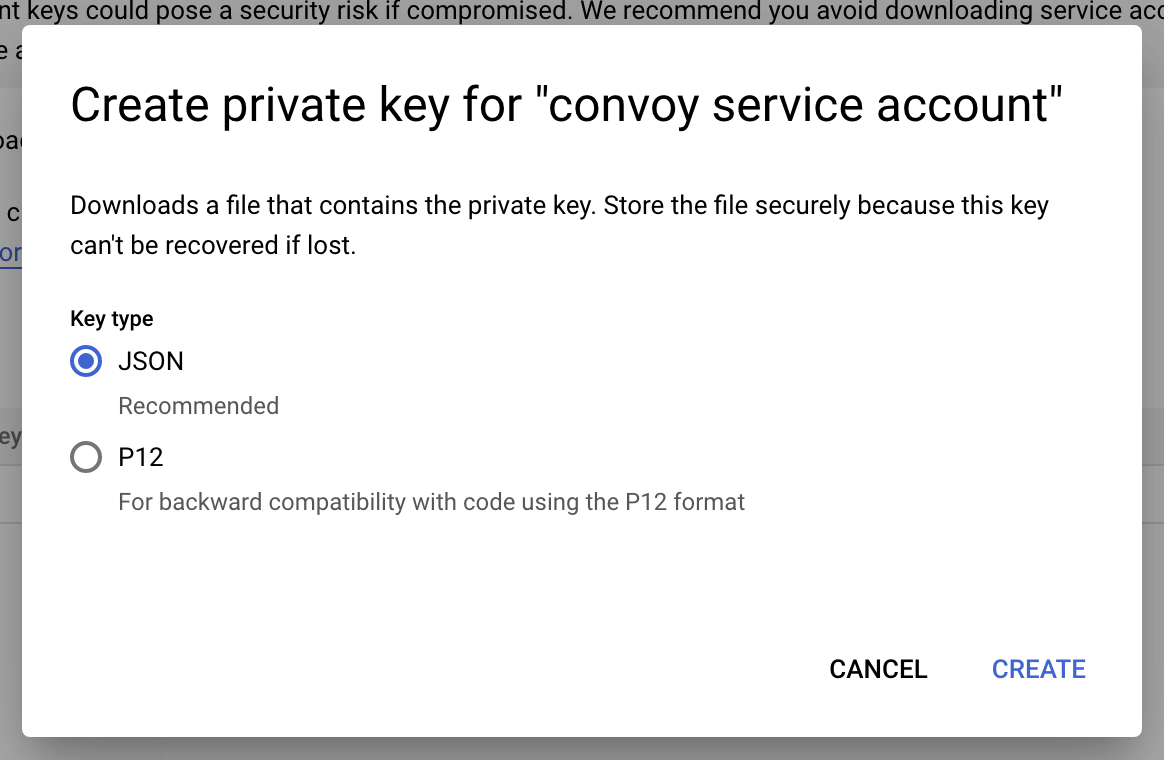
Generate Service Account JSON Key
5
Configure Source
Supply your
Project ID, Topic Name, Subscription and upload your service account json key.6
Ingest Events
Continue to the next section to see how to format the event payload.
Ingestion Options
There are two ways to ingest events into Convoy from Google PubSub:- Format the payload using the structure below as a guide and write it to your topic.
reference payload
If
x-convoy-message-typeset to broadcast, the event will be sent to all endpoints in the project, ignoring both theendpoint_idandowner_idvalues.
- Send your arbitrarily formatted event payloads to your topic and use Convoy’s transform functions to mutate them at the point of ingestion.
transform function
Things to note
- Messages are read of the PubSub topic in chunks by each worker.
- Acknowledgements are done automatically, this is handled by Google’s Go library.